You can access your Email account directly from Webmail.
1. Open http://example.com/webmail, replace example.com with your domain name and enter your full email address and password in user login details and then press the Login Button.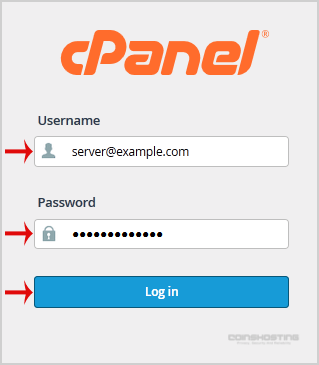
2. You will be redirected to a cPanel Webmail Page. Click on any Webmail Email Reader like Horde, Roundcube or any other available application.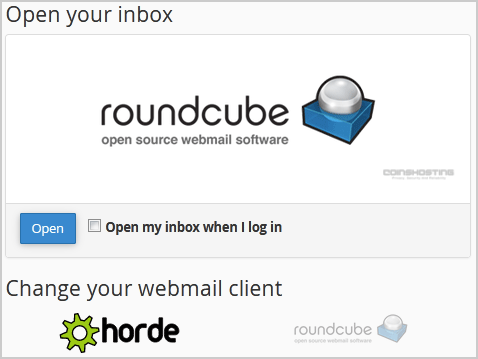
Once your Webmail Email Reader opens, you will be able to read your email and check your email inbox and junk email.
- Home
-
Store
- Browse All
- Managed cPanel Hosting
- VPS - KVM Linux Server
- VPS - KVM Linux RDP Server
- VPS - KVM Windows RDP Server
- Dedicated Servers (USA)
- Dedicated Servers (Netherlands)
- Dedicated Servers (Switzerland)
- SSL Certificates
- Linux LXC VPS Containers
- Linux KVM VPS – SolusVM
- Register a New Domain
- Transfer Domains to Us
- Announcements
- Knowledgebase
- Network Status
- Affiliates
- Contact Us
-
More