You can easily reinstall the operating system using the SolusVM automatic reinstallation tool but please note that this option will destroy all the data on your VPS.
1. Login to your SolusVM Control Panel.
2. If you have multiple VPS, select the appropriate one.
3. Scroll down and you will see a Reinstall option. Click it.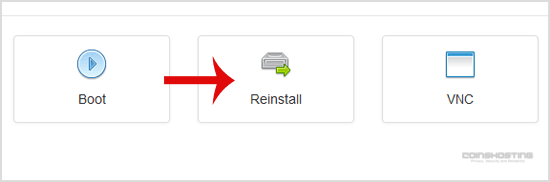
4. You will see a lot of options. Select the operating system which you want to install. For example, if you are going to install CentOS 8, choose it. 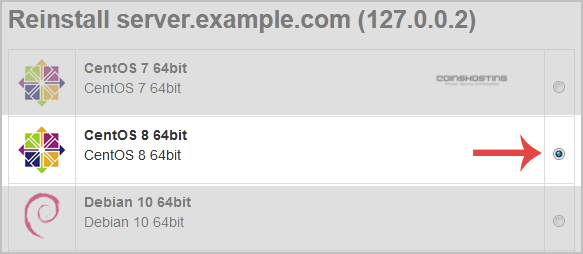
5. Scroll down to the end of the page and click the Reinstall button. A confirmation window will open. Click Yes.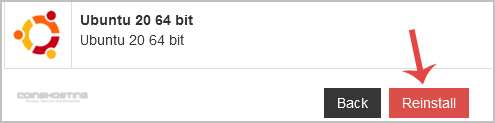
It will show a message that the installation can take up to 10 minutes and show an admin/root password. Copy the password on a notepad because you will need it to access your VPS user account later.
- Home
-
Store
- Browse All
- Managed cPanel Hosting
- VPS - KVM Linux Server
- VPS - KVM Linux RDP Server
- VPS - KVM Windows RDP Server
- Dedicated Servers (USA)
- Dedicated Servers (Netherlands)
- Dedicated Servers (Switzerland)
- SSL Certificates
- Linux LXC VPS Containers
- Linux KVM VPS – SolusVM
- Register a New Domain
- Transfer Domains to Us
- Announcements
- Knowledgebase
- Network Status
- Affiliates
- Contact Us
-
More